To find a form by keywords:
- Choose Find a form using keywords.
- Type the keyword(s), separate words with spaces.
- The Search button finds matching forms,
Search without any keywords
shows all forms.
More information on using the Advanced function
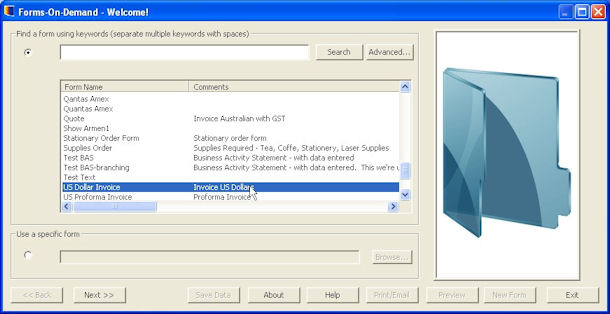
- Results show Form Name and
Comments.
- Double click on a form or
select the form and click the Next button to continue.
Alternatively, to use a specific form selected by
file name:
- Choose Use a specific form.
- Click on the Browse button.
- The dialog box pops up to allow you to locate
your form project (.fpp) file.
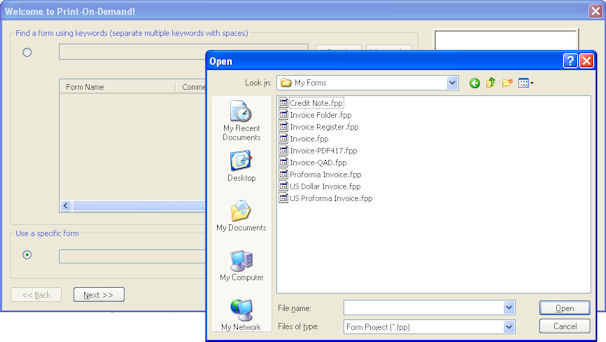
- Select the required form project file and click Open.
- Click Next button to continue.
If the form has no data fields, the print page
appears, see Select a Printer. |
|