FTSpooler keeps all the job processing and delivery
information in one job archive, and provides different views, i.e. All, Delivered,
Errors, Data,
Replication, Formatting,
Working, and Logs.
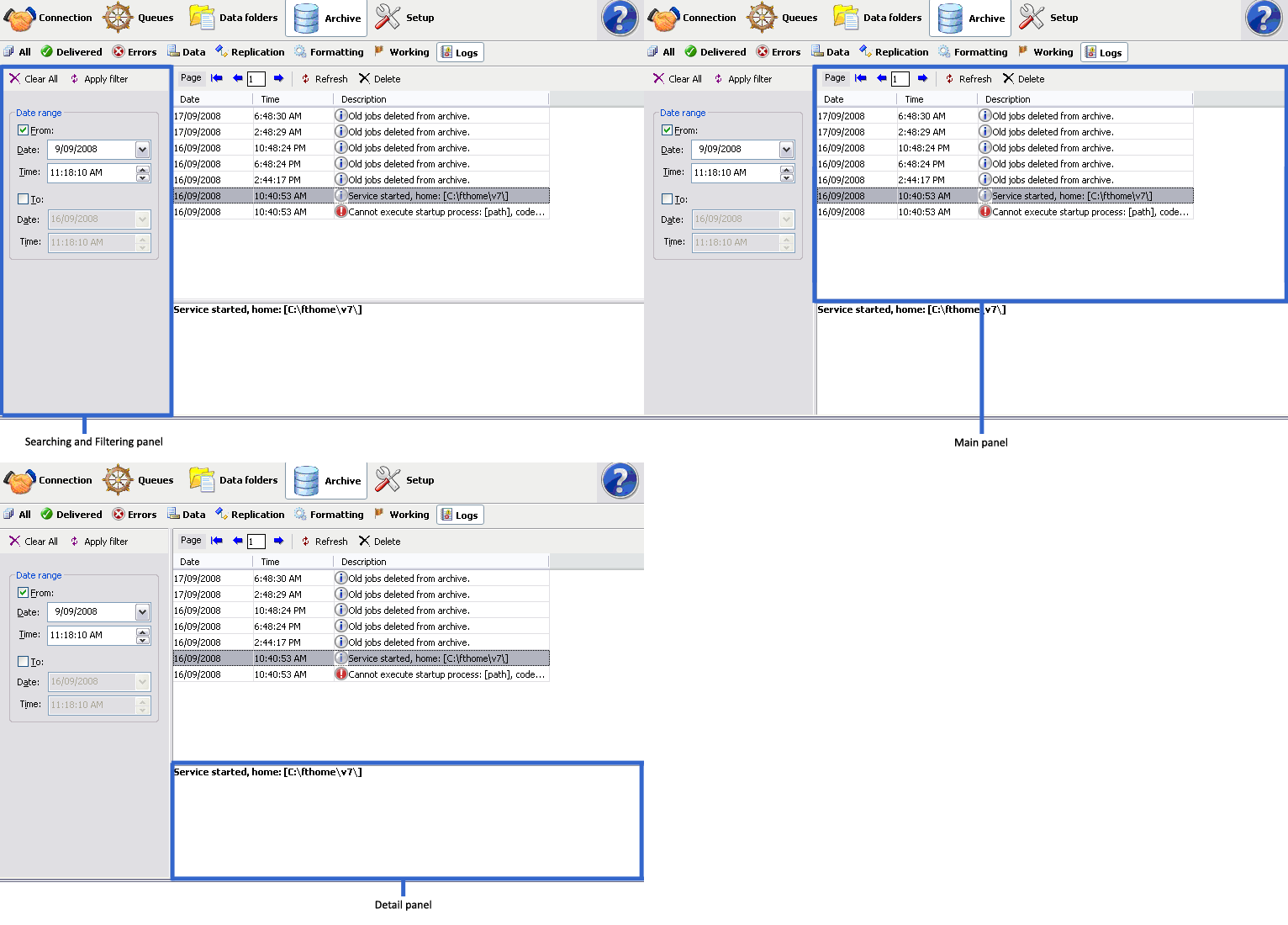
Archive shows three panels: searching and filtering,
main panel and detail panel.
Select the Logs button under
Archive from the top navigation bar. In
the searching and filtering panel, specify searching
criteria to retrieve data records.
In the main panel, FTSpooler shows
the general dialog, but not information about a
particular job. It provides additional information for
troubleshooting processes.
A full description of the selected activity is shown in the
detail panel located at the bottom of the
window.