|
This option allows FTSpooler to listen for print requests from LPR
clients (via the Line Printer Protocol) and to act as the Print Server
(LPD). FTSpooler also acts as a print server to requests coming from a
Work Station Customisation Object from AS/400 computers.
To configure FTSpooler to act as an LP
server:
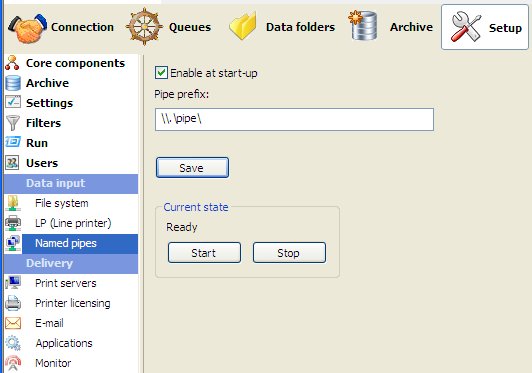
- Tick the Enable at start-up
checkbox.
- Specify the port number to avoid
Windows/UNIX conflicts. The port may be changed to support client
applications that use non-standard port numbers to send print requests.
Usually this option will not be changed with the default port number
(515) used by the Print Daemon.
Contact Us for more information on this feature.
- Click the Save
button.
Start or Stop
and Start the (File System/LP/Named
Pipes) input service and check Current state is
Ready.
More information on Submit Queue via Line
Printer
|



 You need to Stop and Start as below for this to take effect.