FTSpooler Users manages user's level of
access in FTSpooler, as well as username and password. There are two
user types: an administrator and a normal user.
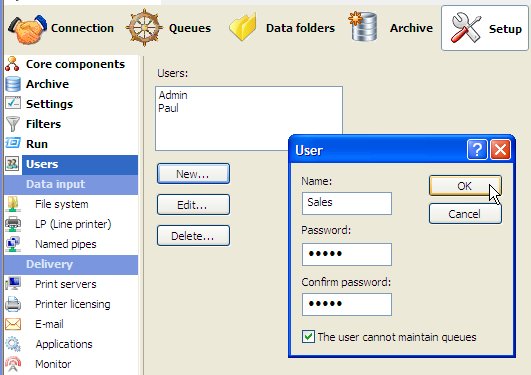
Administrator has the fixed username Admin
which cannot be changed or deleted. Admin has
full control, access and view of all the activities and records in
FTSpooler.
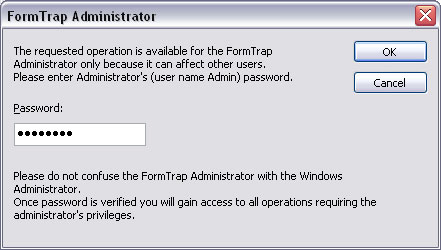
A normal user has control of their queues
and archive records. Making changes to certain settings, such as
modifying template queue properties, or uploading a new Data
Folder, or updating the settings of FTSpooler Setup
which may impact other normal users, requires the normal user to key in
Admin's password to process the change. Entry of the correct
password enables the normal user as Admin until their session ends.
(The preferred alternative is to ask Admin to
make the changes).
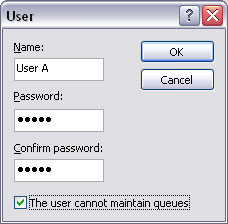
A normal user can be restricted further by
ticking The user cannot maintain queues.
To assign
queues to users, please see Change ownership of queues.
|