|
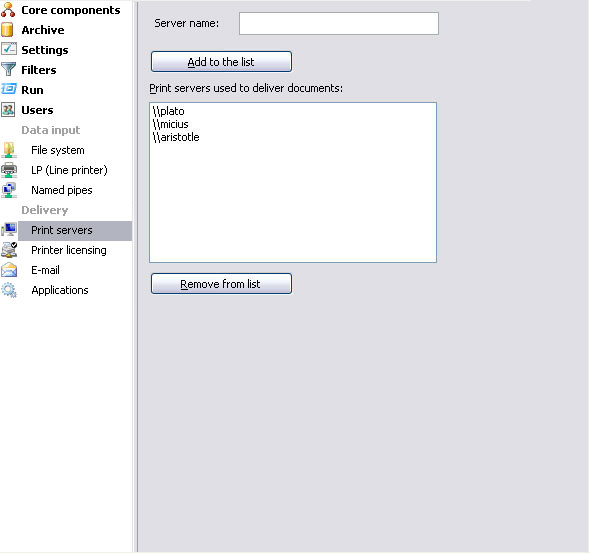
This option allows the addition of print server(s) available for
delivering documents from FTSpooler. Printers installed on selected
server(s) are listed. Individual printers may be licensed using Printer
licensing from the Delivery menu at screen left. Local
printers are ALWAYS shown.
More information on Printer Licensing
To add a print server:
- Enter the Server name
and click the Add to the list button. The
list of Print servers used to deliver documents
is updated.
To remove a printer server:
- Select one of the print servers and click
the Remove from the list button.
- Confirmation dialog box pops up.
- Click Yes
to finish.
|